New Amenity Status Widget
📢 New! Live Amenity Status Now Available
Dear Residents,
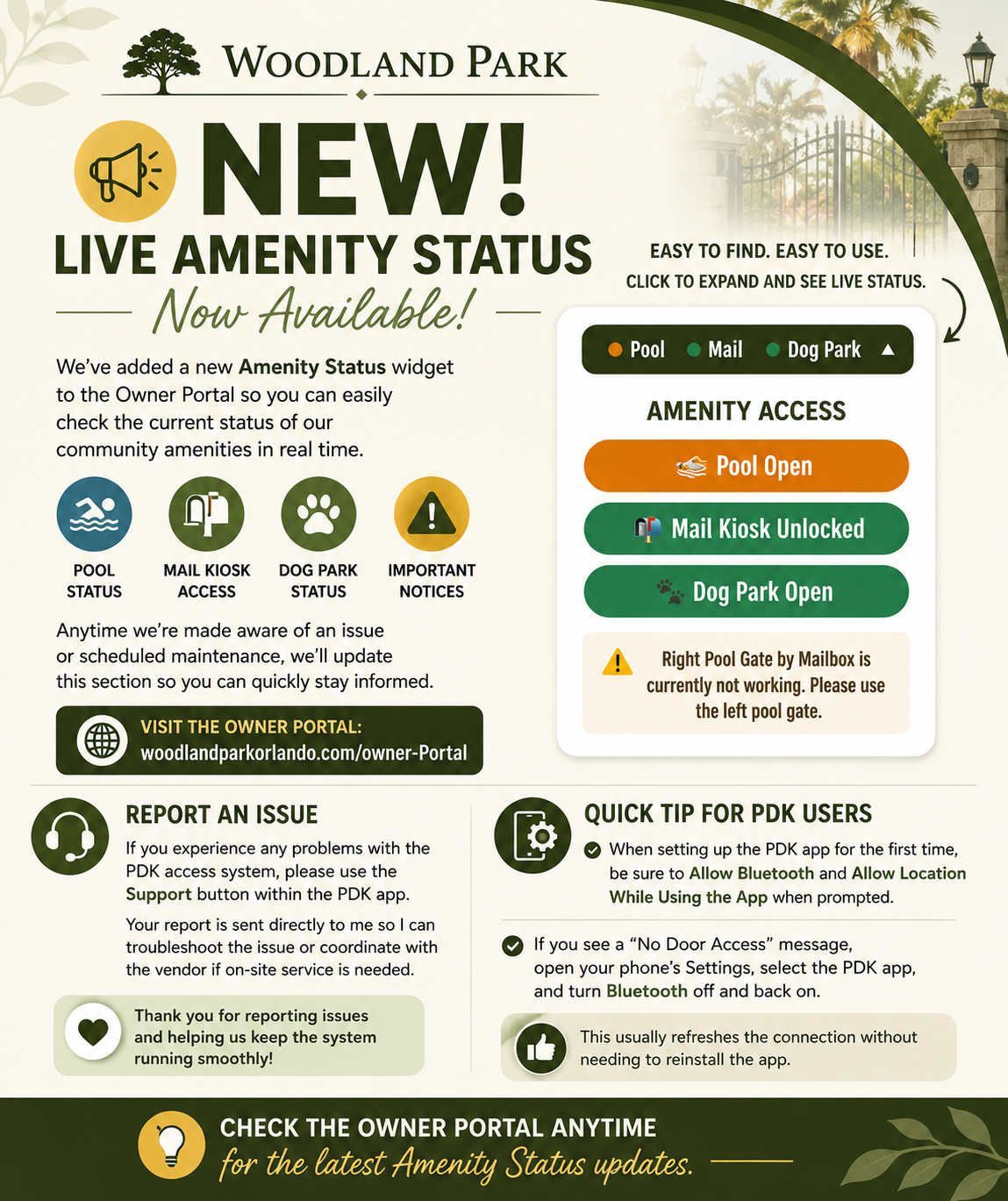
To help keep everyone informed, we’ve added a new Amenity Status widget to the Owner Portal.
Simply click to expand the widget and you’ll be able to see the current status of community amenities, including:
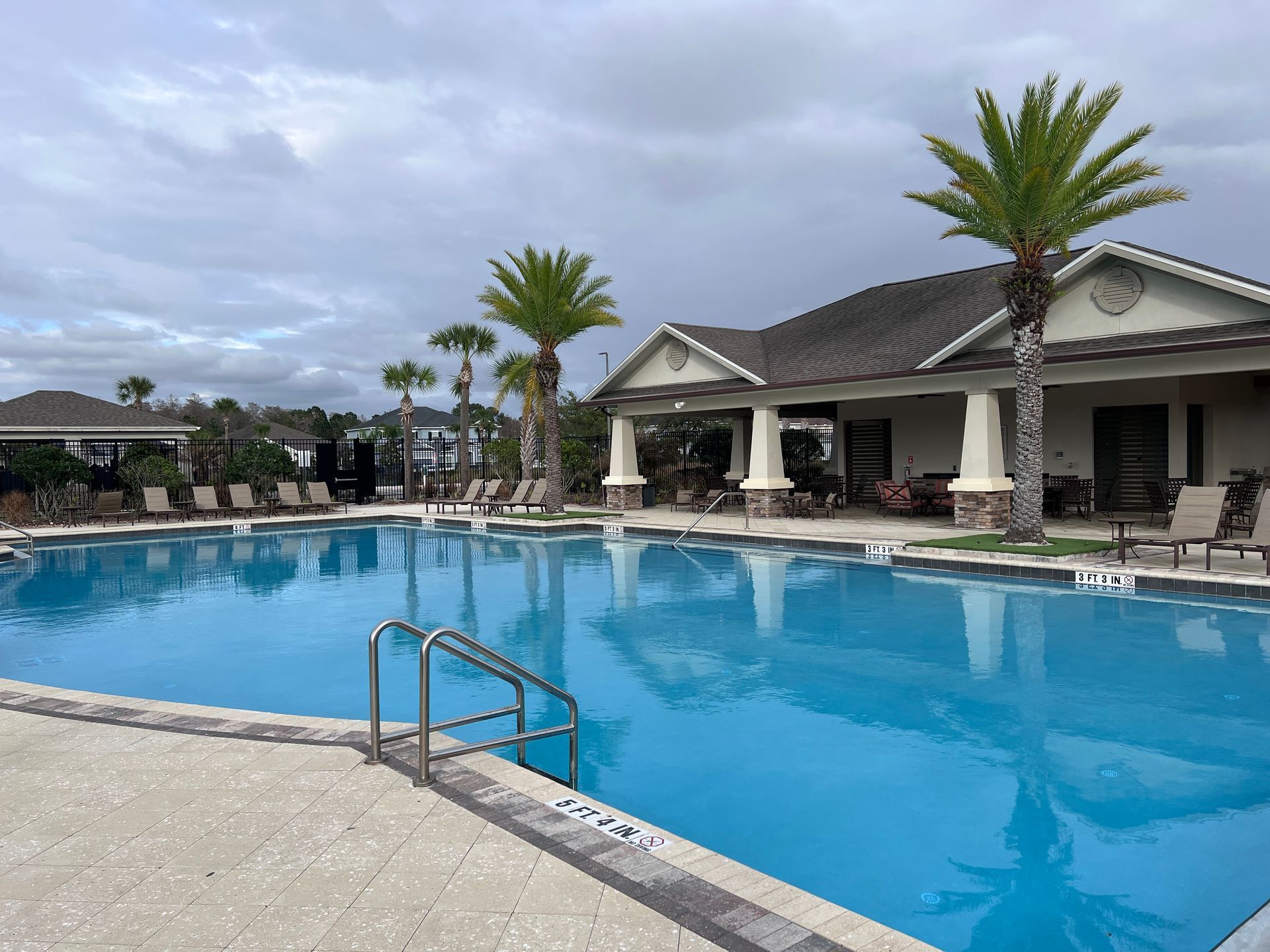
🏊 Pool Status
📬 Mail Kiosk Access
🐾 Dog Park Status
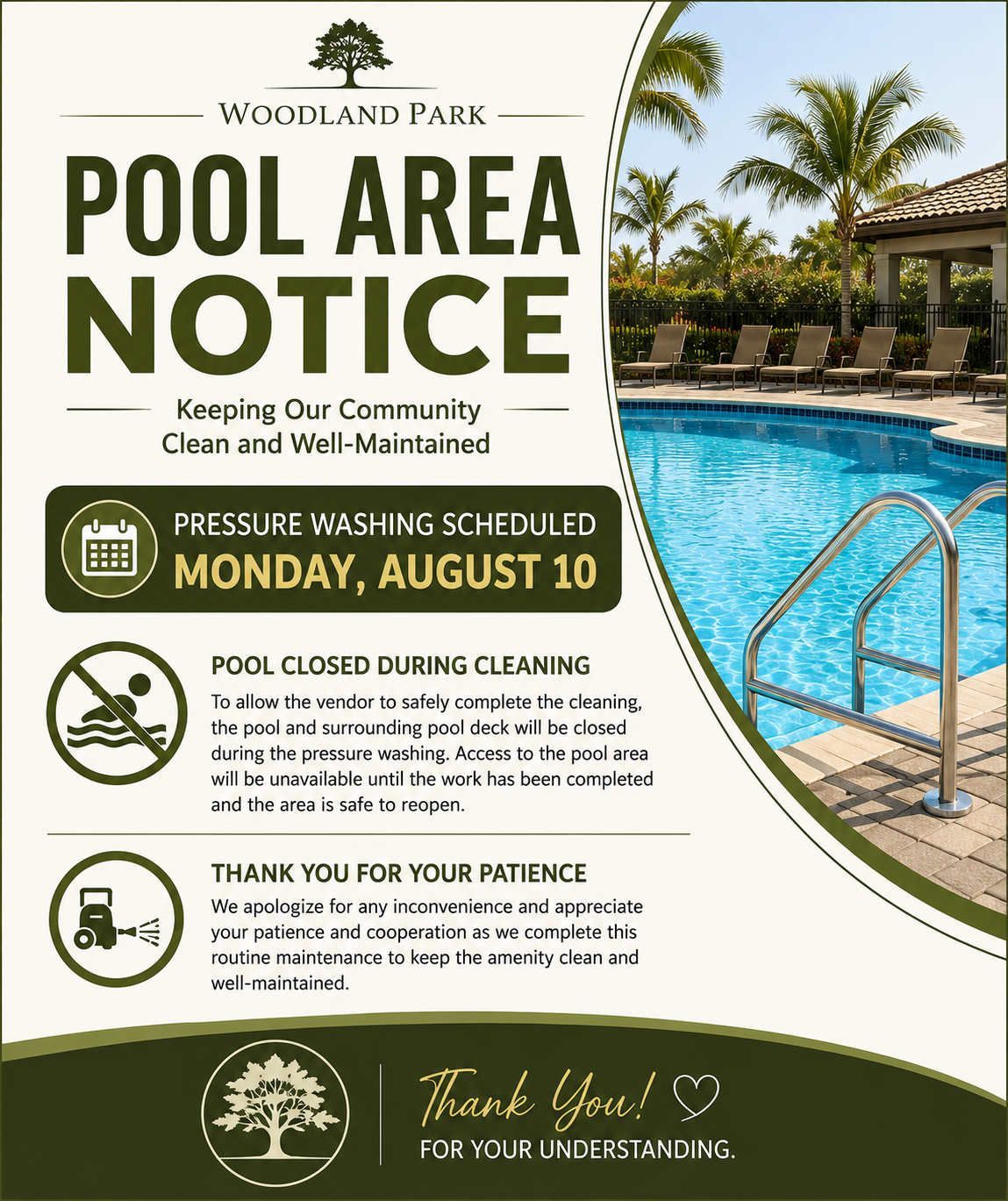
⚠️ Important Notices and Temporary Closures
Whenever we’re made aware of an issue or scheduled maintenance, we’ll update this section so you can quickly check the latest status before heading out.
👉 Owner Portal:
https://www.woodlandparkorlando.com/owner-Portal
Need to Report an Issue?
If you experience any problems with the PDK access system, please use the Support button within the PDK app. Your report is sent directly to me so I can troubleshoot the issue or coordinate with the vendor if on-site service is needed.
Thank you to everyone who has been reporting issues and helping us keep the system running smoothly. We appreciate your support!
Quick Tip for New PDK Users
When setting up the PDK app for the first time, be sure to Allow Bluetooth and Allow Location While Using the Appwhen prompted. These permissions are required for your phone to communicate with the door readers.
If you ever see a “No Door Access” message, you can usually resolve it by opening your phone’s Settings, selecting the PDK app, and turning Bluetooth off and back on. In most cases, this refreshes the connection without needing to reinstall the app.
Thank you for helping us keep Woodland Park connected and informed!
The body content of your post goes here. To edit this text, click on it and delete this default text and start typing your own or paste your own from a different source.